Built around how travel agencies actually work
Not a generic CRM with travel labels — groups, seats, sectors, advances and balances are first-class. These are the modules your team signs into.
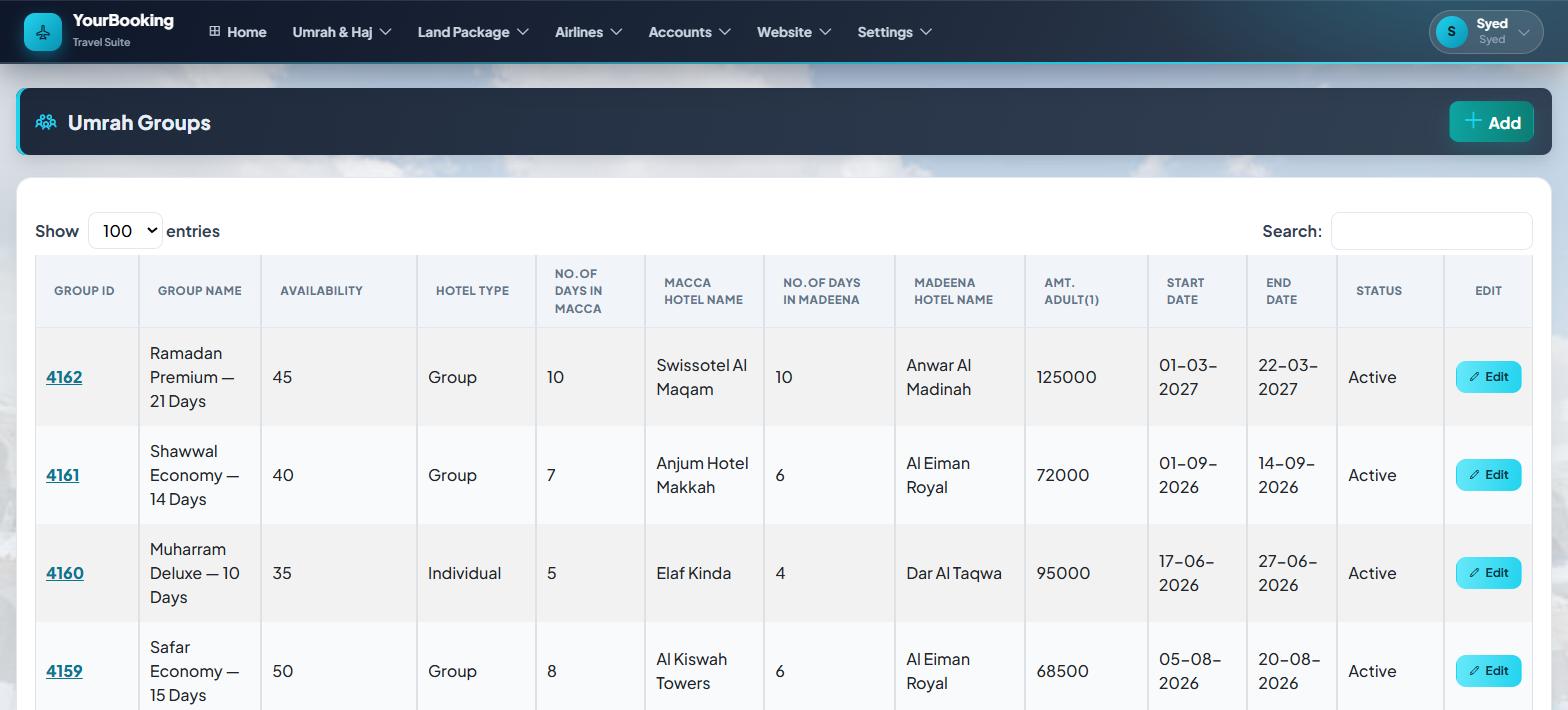
Groups that know their seats, nights and prices
Create a group with or without flights, and the suite keeps count of everything that matters.
- Seat capacity and live booked counts per group
- Makkah and Madinah hotels with nights worked out from real dates
- Room-type pricing — the room charge flows into each adult's fare
- Per-passenger services, tracked and priced individually
- Change a booking's group and every passenger re-prices, with an old-vs-new comparison before you commit
Flights, schedules and your own seat blocks
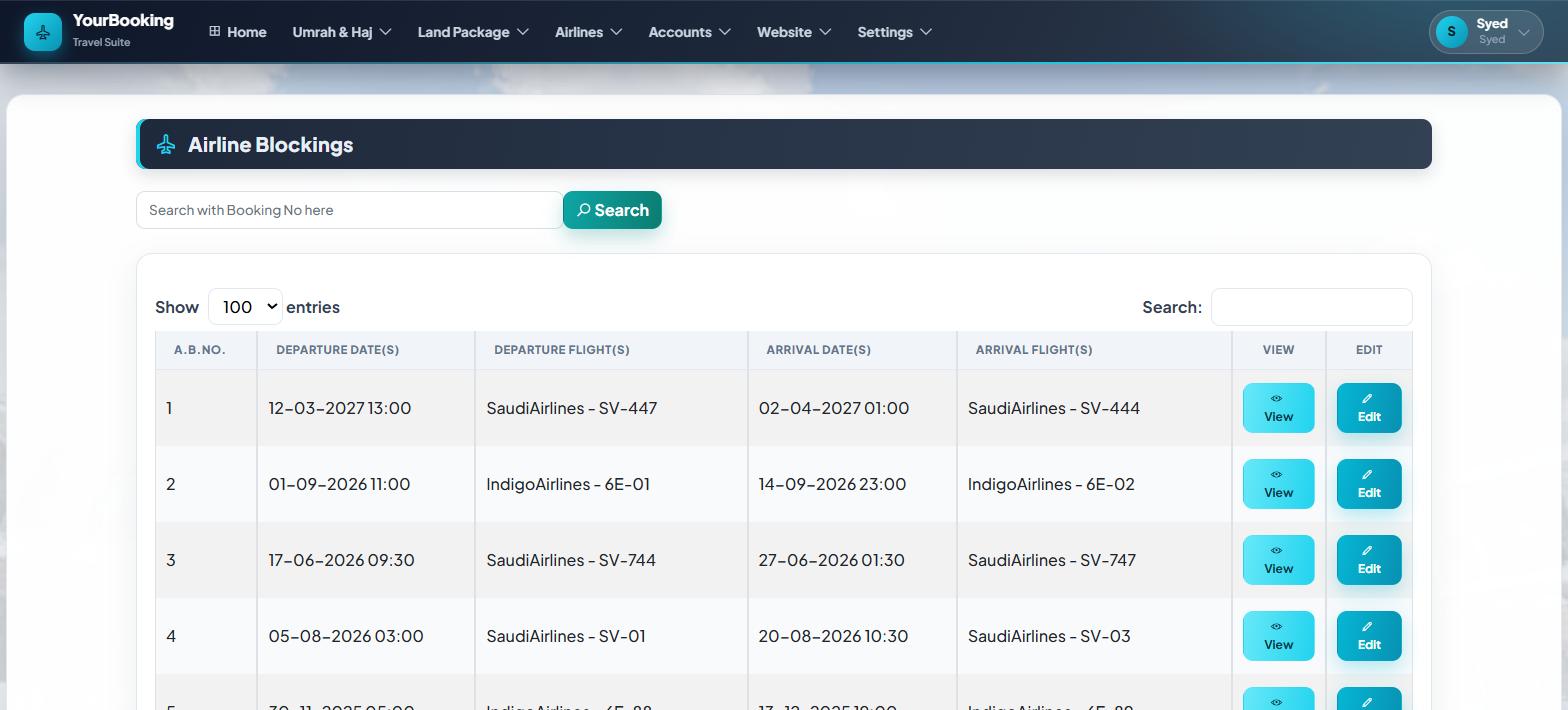
From airline masters to blocked inventory, the flight side speaks the same language as your groups.
- Flight masters and schedules with departure and arrival airports
- Airline blocking — hold your own allocation and sell against it
- Adult, child and infant fares per sector
- Airline logos on masters, bookings and your public website
- Group flights appear automatically on the group and its website page
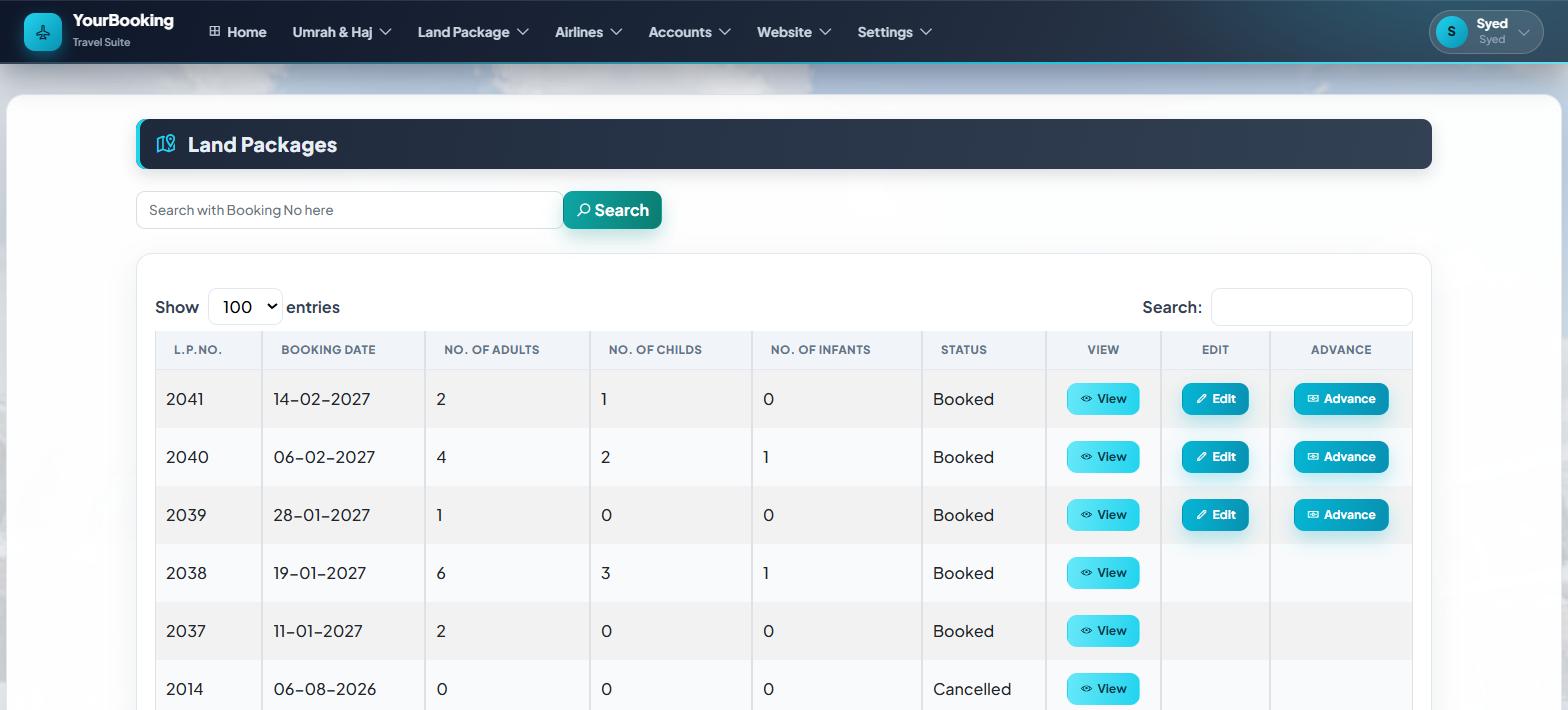
Hotels, transport, ziyarat and visas — priced properly
Everything on the ground is a service with its own cost, so packages price themselves instead of living in someone's head.
- Hotels with categories, room types and check-in dates
- Transport by route, trip and vehicle — AC and Non-AC priced apart
- Ziyarat and local transfers charged per vehicle or per person
- Visa services by category, priced per adult, child and infant
- Price masters so quotes come from rates, not memory
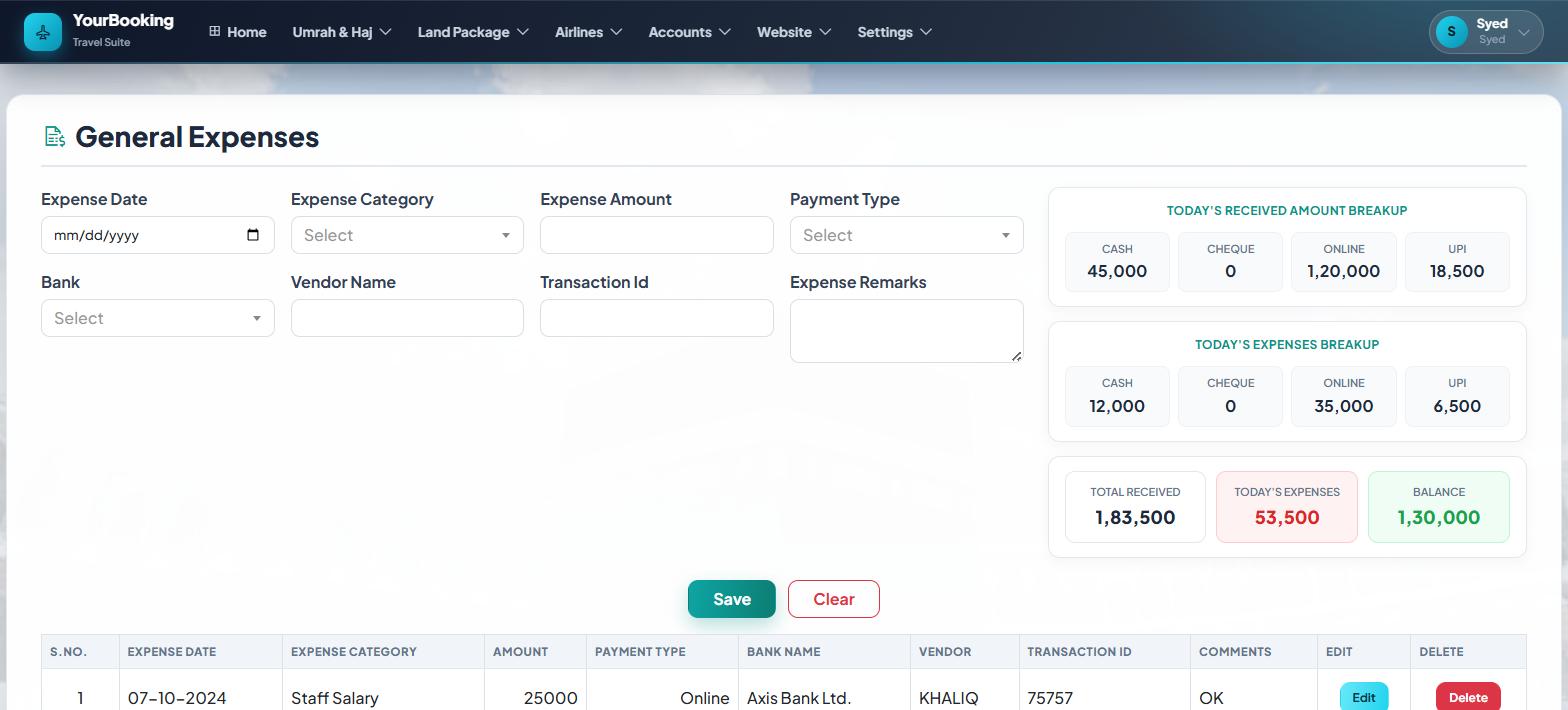
Advances, balances and expenses that reconcile
The money side lives beside the travel side, so nobody chases figures across notebooks at month end.
- Advances against bookings with live balance computed from the booking itself
- Expenses by category — general, group, individual, land package, flight
- Printable invoices for bookings and services
- Hire reports — bus and car, by kilometre and by amount
- Cancellations follow versioned policies, frozen per booking at booking time
Masters, branches, roles and messages
The quiet machinery that keeps every screen consistent and every staff member in their lane.
- Masters for countries, cities, hotels, airlines, airports, vehicles, room types, banks and expense categories
- Company and branch structure with per-module permissions
- Every list scoped to your company — your data stays yours
- SMS and WhatsApp packs for booking notifications
Every module, and everything you can do in it
This is the actual menu your team gets — no marketing gloss. Each item below is a screen in the suite today.
Home — Dashboard
The day at a glance, the moment you sign inSee
- Active groups and seats filled
- Advances and balances due
- New website enquiries
Go
- Jump into any module you have access to
- Your profile and password
Umrah & Haj
Groups, bookings and everything a pilgrimage needsBookings
- Book an Umrah package — with or without a group
- Search all Umrah bookings
- Cancel a package under its frozen policy
- Umrah cancellation policies, versioned
Groups
- Create Umrah groups — dates, hotels, flights, seats
- Track expired groups
- Umrah services master, per passenger
Money & reports
- Payment history and invoices
- Cancellation history
- Financial transactions report
- Departure, package and month-wise reports
- Passport report and passport-pending list
Land Package
Hotels, transport, ziyarat and visas on the groundBookings
- Build a land package — hotels, transport, services
- Visa packages on their own
- Search and cancel land packages
Money
- Land package advances
- Cancellation history
- Invoices and financial transactions
Price masters
- Visa package rates
- Hotel cost master
- Transport cost master — AC / Non-AC apart
- Visa, route and vehicle masters
Airlines
Your flights, your schedules, your own seat blocksBookings
- Book, search and cancel flight bookings
- Flight booking receipts
Inventory
- Create flights and schedules
- Start / stop booking per flight
- Airlines blocking — hold and sell your allocation
- Search blocked inventory
Masters & reports
- Airline companies, with logos
- Layover places
- Financial transactions report
Accounts
Every rupee tracked in the category it belongs toExpenses
- General expenses
- Individual expenses
- Group expenses
- Land package expenses
- Flight booking expenses
Reports
- A report per expense category
- Sales report across all three products
Setup
- Your own expense categories
Website
Your public site, managed from inside the suitePublish
- Umrah packages from your groups
- Land services — hotels, transport, visas
- Flights from your blocks
- Photo galleries on every package
Presence
- Website settings — theme, branding, contacts
- Company gallery
- Customer reviews you curate
Sell
- Enquiries from the site, in your dashboard
Settings
People, branches, masters and the audit trailPeople
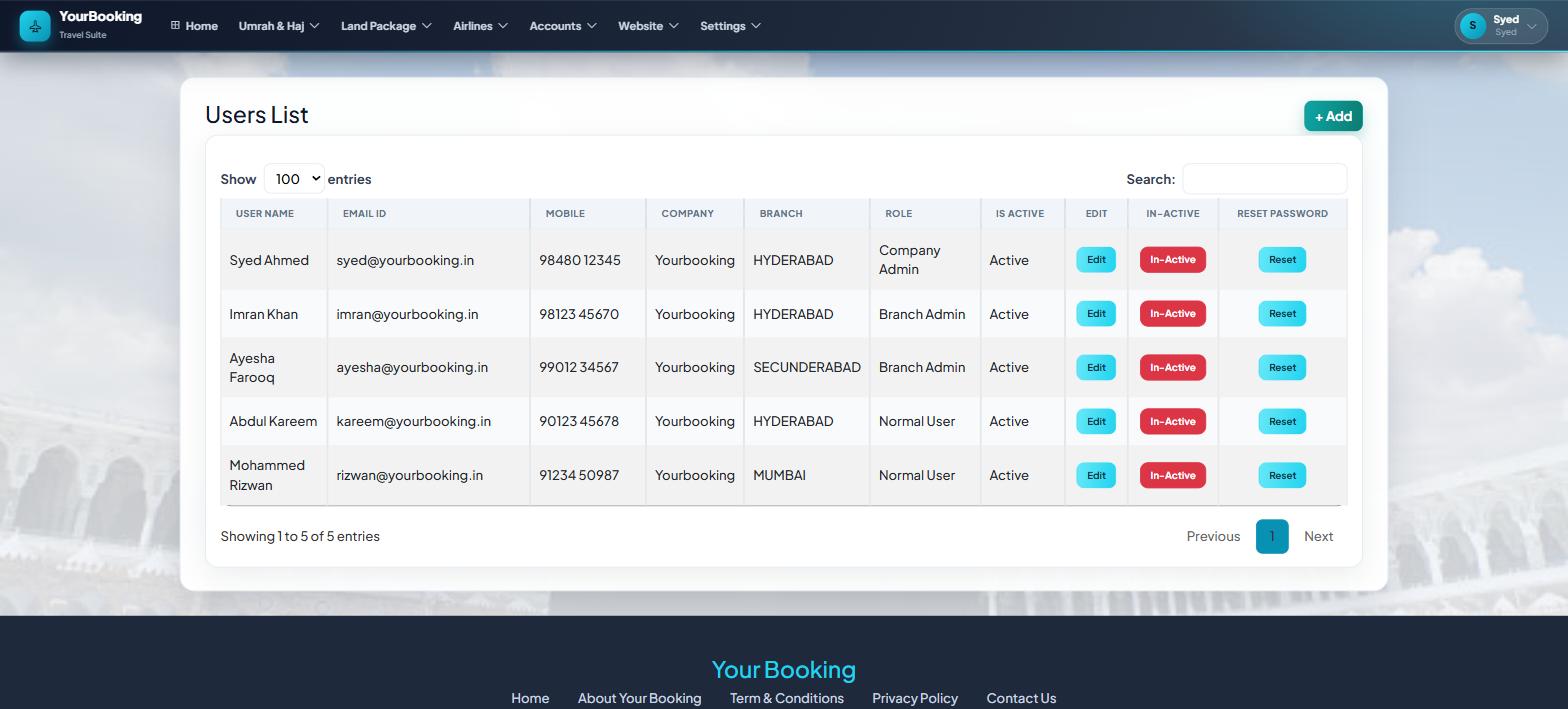
- Manage users and their logins
- Manage user modules — who sees which screens
- Manage branches
- Profile and reset password
Company setup
- Masters — countries, cities, hotels, airports, banks and more
- Terms & conditions on your documents
- SMS recharge
Oversight
- Audit logs — company-wide activity trail
- Login report
- Notification report
- Enquiries and enquiry report
Roles decide scope. Module grants decide screens.
Two controls work together: a person's role sets how far they can see, and per-user module grants set exactly which screens they get. Your Company Admin manages both from Settings — no call to us needed.
Company Admin
Owns the company account — every branch, every module, every setting.
- All modules across all branches
- Creates users, branches and module grants
- Masters, terms and website settings
- Audit logs — reserved for this role
Branch Admin
Runs one branch day to day, inside the modules granted to them.
- Bookings, groups and money for their branch
- Branch staff oversight
- Reports scoped to their branch
Staff
Sees exactly the screens their work needs — nothing else appears in the menu.
- Only the modules granted to them
- Booking desks see bookings; accounts staff see expenses
- Own profile and password
| What | Company Admin | Branch Admin | Staff |
|---|---|---|---|
| Bookings & cancellations — Umrah, Land, Flights | All branches | Their branch | If granted |
| Umrah group creation | Yes | If granted | If granted |
| Advances, receipts & invoices | All branches | Their branch | If granted |
| Expenses & expense reports | Yes | If granted | If granted |
| Financial & sales reports | Yes | If granted | If granted |
| Price masters & company masters | Yes | If granted | No |
| Website — publish & enquiries | Yes | If granted | If granted |
| Users, branches & module grants | Yes | No | No |
| Audit logs & login reports | Yes | No | No |
Module subscription is set per company when we onboard you; inside it, your Company Admin grants modules per user. Platform administration stays with the YourBooking team.
Want a walkthrough with your data?
We'll set up a company for you and load a sample group so you can click through everything above.